Setup
Before you begin
Clone the specific lab repository from GitHub:
View on GitHubgit clone https://github.com/opengovsg/eng-curriculum-1xx-authentication.git
cd eng-curriculum-1xx-authentication
pnpm is the package manager used in this curriculum. Please ensure you have it installed.
Running the Application
The curriculum exercise has already scaffolded the necessary files and configurations.
/eng-curriculum-1xx-authentication
pnpm i
# Copy the example environment variables
cp .env.example .env

# Spin up the Docker containers for the application
docker compose up -d

# Run database migrations
pnpm db:migrate

# Start the development server
pnpm dev
There will be a bunch of output in the terminal as the application starts up. You should see messages indicating that the server is running and listening for requests:
> @acme/web@ with-env /../eng-curriculum-1xx-authentication/apps/web
> dotenv -e ../../.env -- next dev --turbopack

   ▲ Next.js 16.0.3 (Turbopack)
   - Local:         http://localhost:3000
   - Network:       http://127.0.2.2:3000

 ✓ Starting...
 ✓ Ready in 253ms
You should see Starter Kit's landing page when you navigate to the application (usually http://localhost:3000):
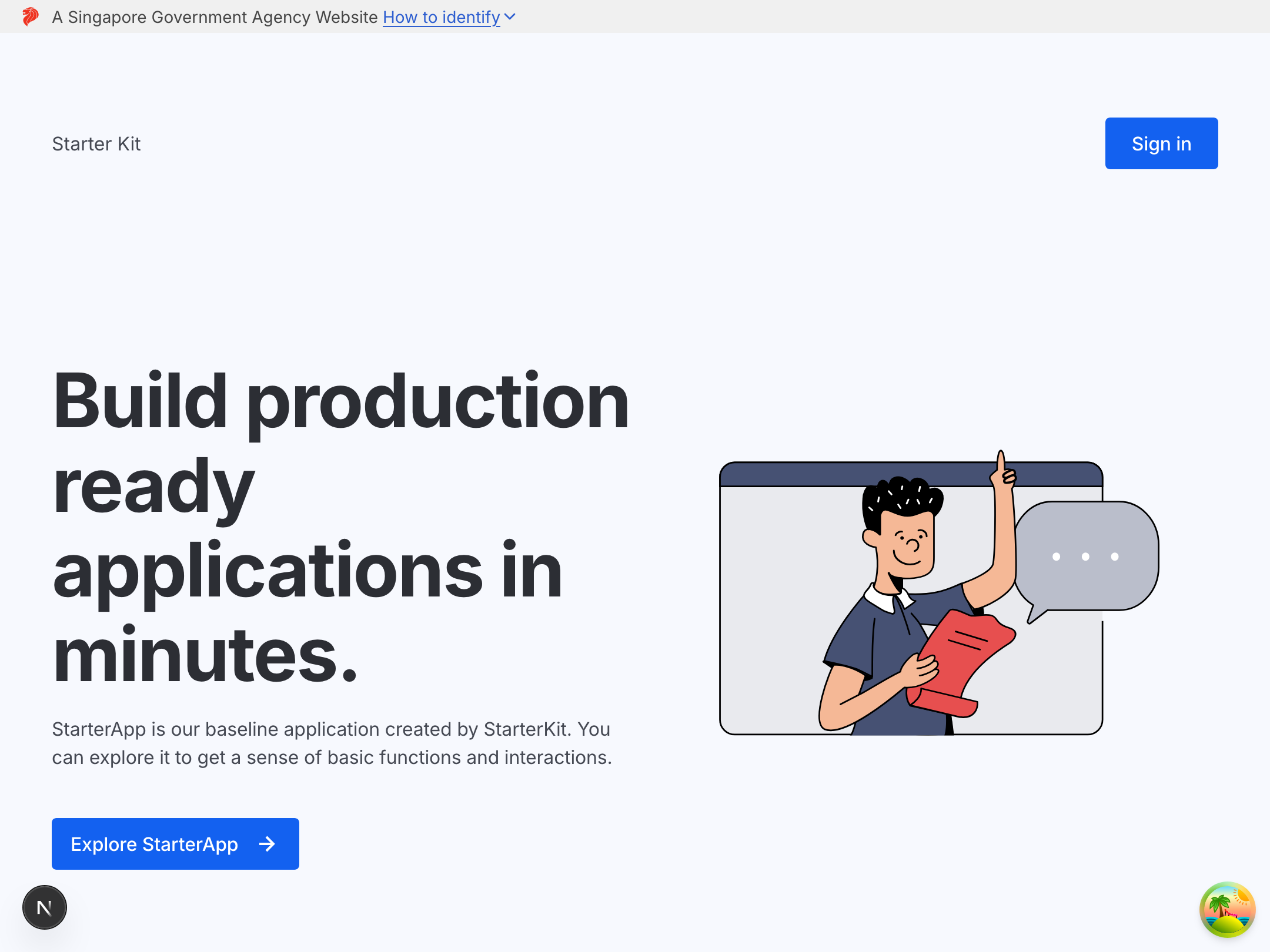
Congratulations! You are now ready to proceed with the exercises.