Setup
Before you begin
Clone the specific lab repository from GitHub:
View on GitHubgit clone https://github.com/opengovsg/eng-curriculum-1xx-crud.git
cd eng-curriculum-1xx-crud
pnpm is the package manager used in this curriculum. Please ensure you have it installed.
Running the Application
The curriculum exercise has already scaffolded the necessary files and configurations.
pnpm i
# Copy the example environment variables
cp .env.example .env

# Spin up the Docker containers for the application
docker compose up -d

# Run database migrations
pnpm db:migrate

# Start the development server
pnpm dev
There will be a bunch of output in the terminal as the application starts up. You should see messages indicating that the server is running and listening for requests:
> @acme/web@ with-env /../eng-curriculum-1xx-crud/apps/web
> dotenv -e ../../.env -- next dev --turbopack --port 3001

   ▲ Next.js 16.0.3 (Turbopack)
   - Local:         http://localhost:3001
   - Network:       http://127.0.2.2:3001

 ✓ Starting...
 ✓ Ready in 253ms
You should see Starter Kit's landing page when you navigate to the application (usually http://localhost:3001):
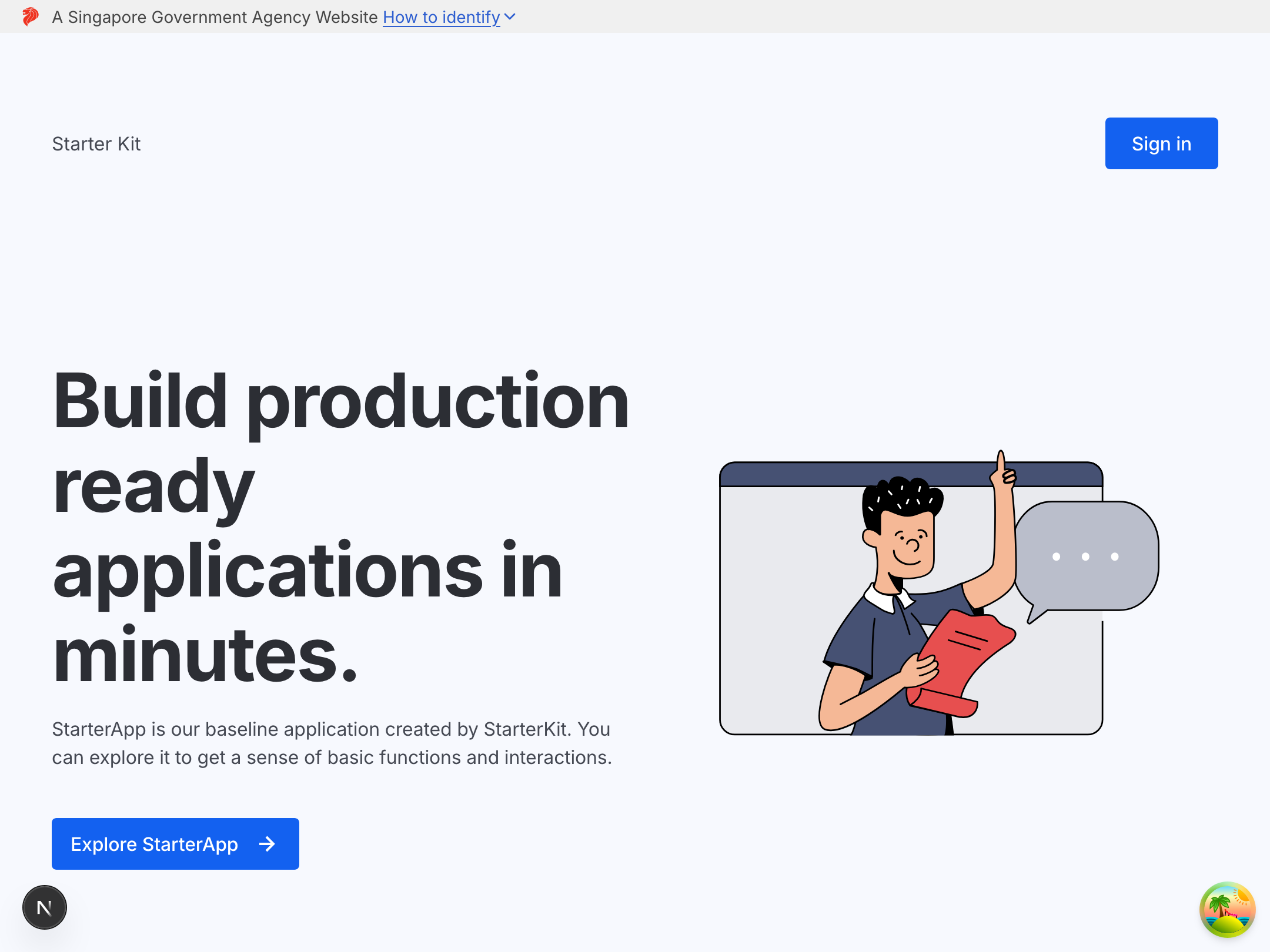
This should be familiar to you from the previous lab! This time, authentication has already been implemented for you, and you will be adding the remaining CRUD functionalities in the exercises.
Congratulations! You are now ready to proceed with the exercises.